Step-by-Step: Create Bill Book in Excel
- Open Blank Workbook in Excel
- Add Company Name, Address, Contact Details
- Insert Shapes for Header Styling
- Design Cash Memo Title
- Add Serial Number, Description, Qty, Rate, Amount
- Apply Borders and Alignment
- Add Total Formula (Auto Calculation)
- Format Currency Properly
- Add Rupees in Words Section
- Insert Signature and Stamp Area
- Use Page Break Preview for Print Layout
- Export as PDF using Custom Scaling
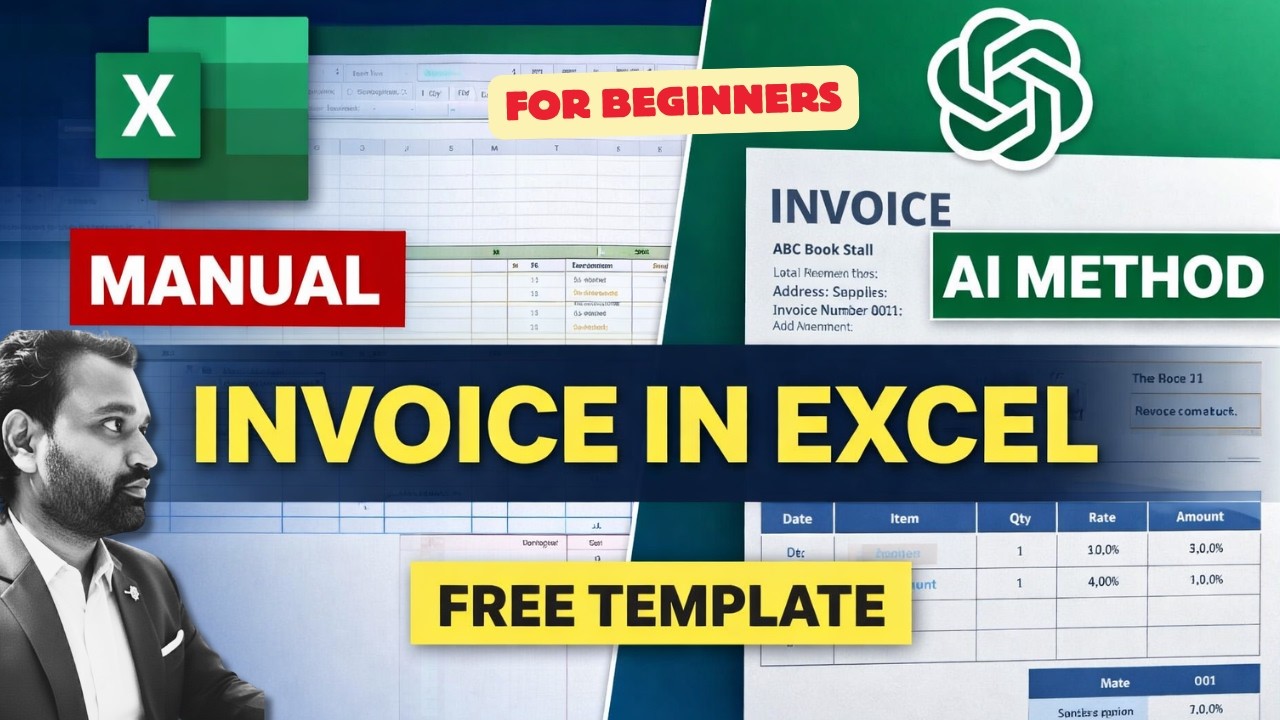
Manual vs AI Generated Invoice
The tutorial demonstrates both manual Excel invoice creation and AI-assisted invoice generation. You can design fully customized professional bill books or generate instant templates using AI tools. Choose the workflow that matches your business speed and branding needs.