Create Pivot Table Multiple Views in Excel
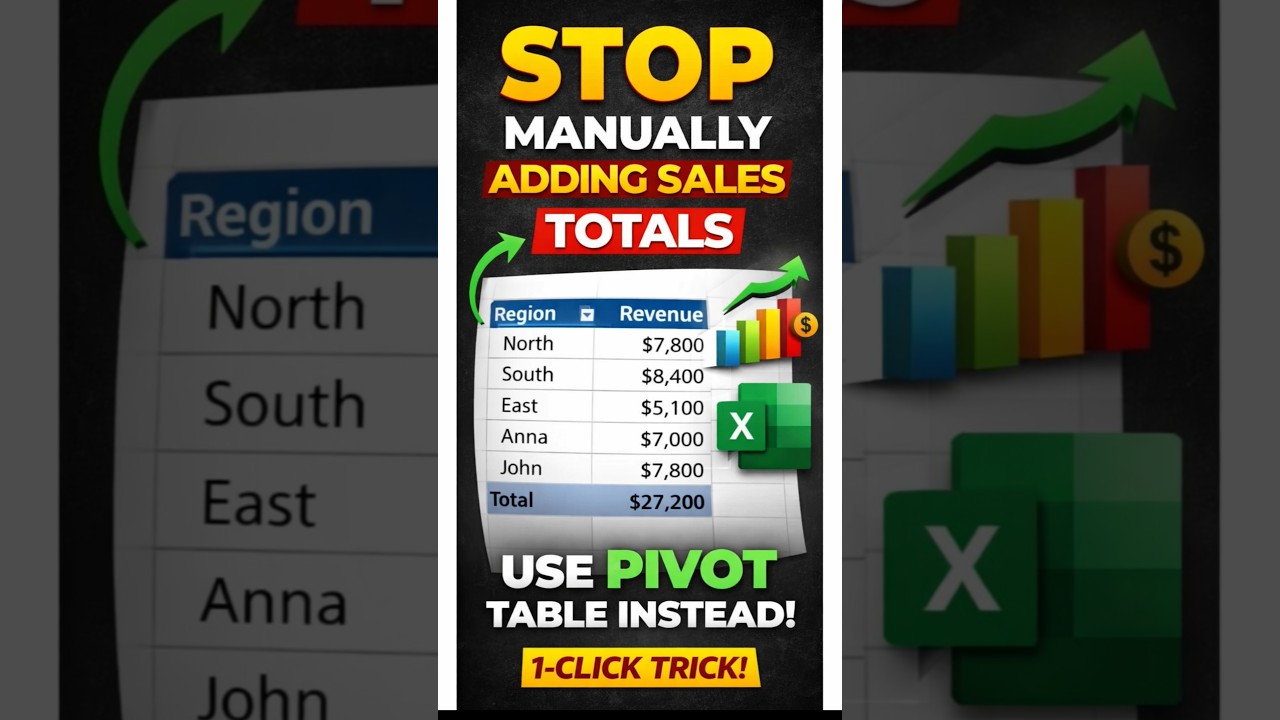
In this tutorial, we demonstrate how to create a Pivot Table in Excel and generate multiple analytical views instantly. Whether you want to summarize revenue by product, salesperson, or region, Pivot Tables allow you to restructure data dynamically.
Step 1: Insert a Pivot Table
Select your dataset, go to Insert → Pivot Table. Choose “New Worksheet” to avoid clutter and ensure clean analysis.
Step 2: Revenue by Product
Drag Products into Rows and Revenue into Values. Excel instantly calculates total revenue per product.
Step 3: Duplicate for New View
Copy the Pivot Table and modify the Field List. Replace Products with Salesperson to analyze revenue per salesperson.
Step 4: Add Region & Units Sold
Create another view and drag Region and Units Sold into the Pivot configuration to see detailed bifurcation.
Step 5: Visualize with Charts
Go to Insert → Charts to convert Pivot data into powerful visual dashboards.