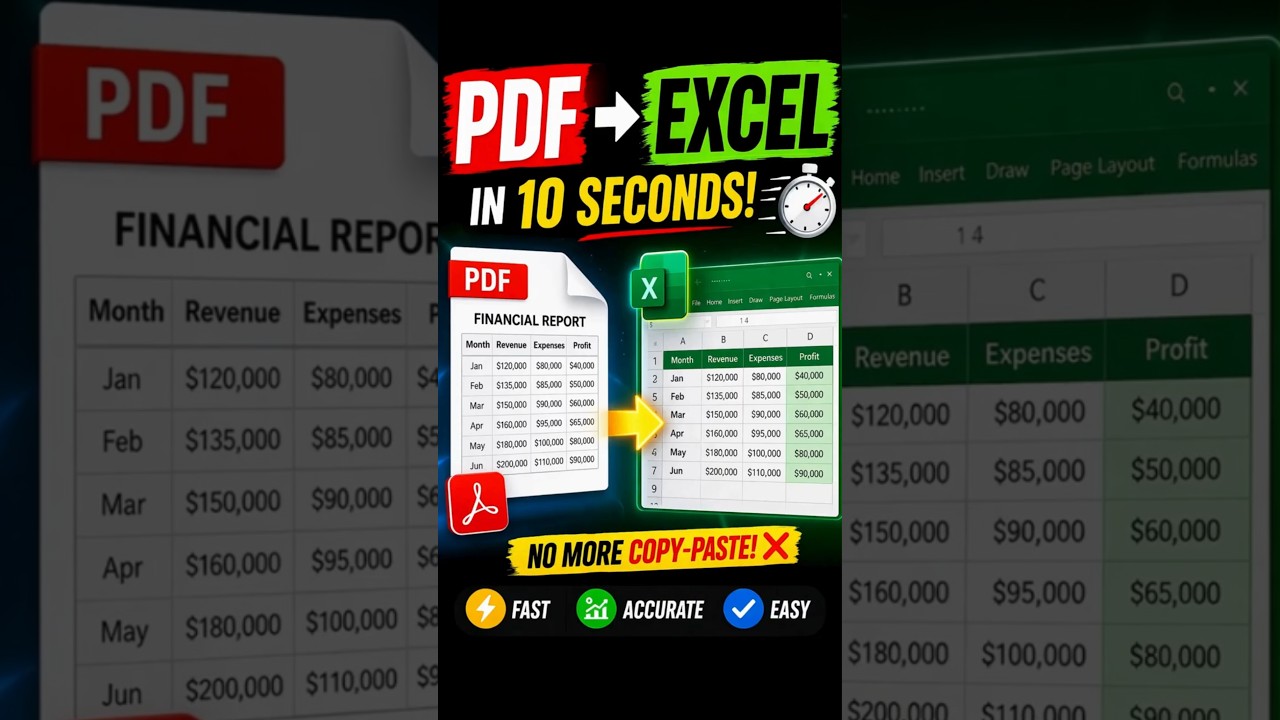
How to Convert PDF Financial Data to Excel Instantly
Converting financial data from PDF to Excel no longer requires manual data entry or complex tools. With modern Excel features, you can import structured PDF data directly into spreadsheets in just a few seconds.
Why This Method is Powerful
PDF files are widely used for sharing financial reports, but they are not easily editable. This makes analysis, reporting, and visualization difficult. By converting PDF data into Excel, you unlock the ability to manipulate, analyze, and visualize data efficiently.
Step-by-Step Guide
- Open Microsoft Excel
- Go to the Data tab
- Click on Get Data
- Select From File → From PDF
- Choose your PDF file
- Select the table detected in the Navigator
- Click Load
Within moments, your PDF data will be converted into an editable Excel table.
What Happens Next?
Once imported, the data becomes fully interactive. You can edit values, create charts, apply formulas, and perform advanced financial analysis without limitations.
Alternative Methods
In addition to Excel’s built-in feature, you can also use:
- Adobe Acrobat PDF tools
- Online PDF to Excel converters
- Python automation scripts for bulk processing
Best Use Cases
- Financial reporting and audits
- Business data analysis
- Monthly revenue tracking
- Expense management
Conclusion
This simple Excel trick can save hours of manual work and significantly improve productivity. Whether you're a finance professional, analyst, or business owner, mastering this technique will streamline your workflow.