Excel Expense Dashboard Tutorial (Complete Guide)
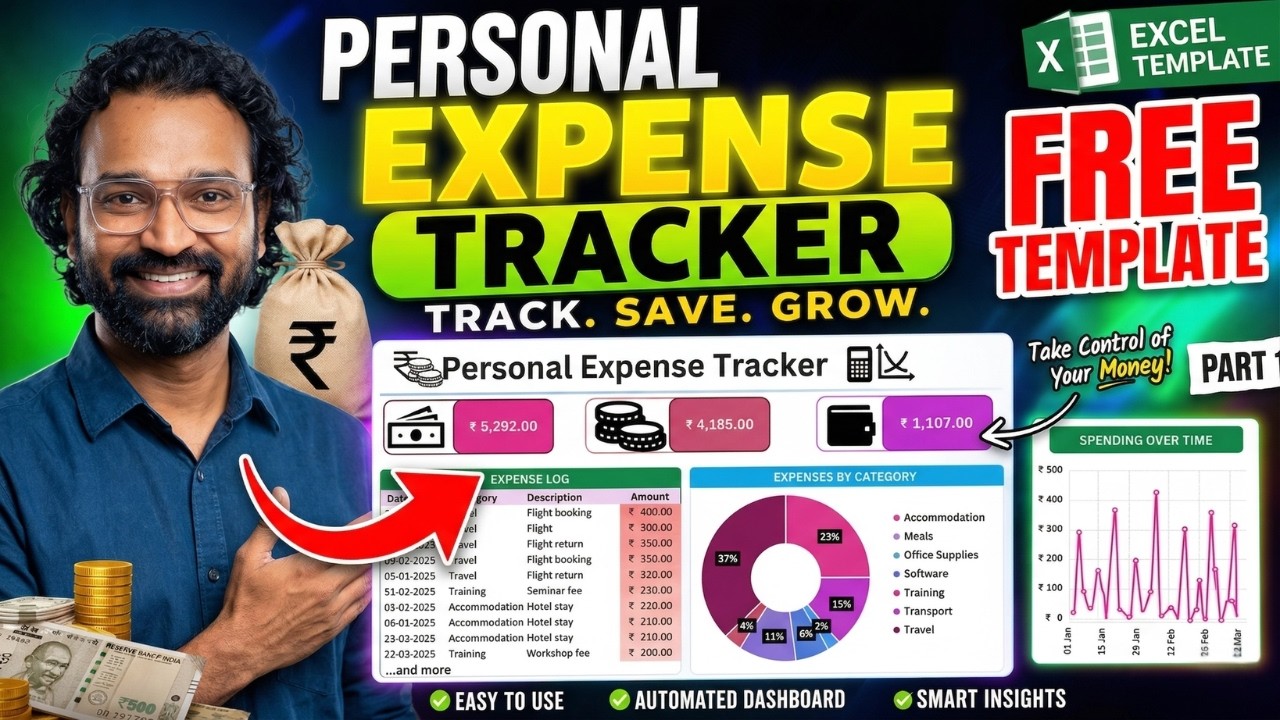
Looking to build a professional Excel expense dashboard? This complete tutorial will teach you how to clean data, structure datasets, apply formulas like SUMIFS, and create a fully dynamic dashboard used by real companies.
Whether you are a beginner or aspiring data analyst, this guide will help you master Excel dashboard skills essential for business reporting.
Use Text-to-Columns, TRIM function, and remove duplicates to prepare clean structured datasets.
Convert data into tables using Ctrl + T and create scalable structures like TBL_Expenses.
Apply SUM and SUMIFS formulas for total and conditional calculations.
Use TEXT(Date, "MMM") to generate monthly insights and trends.
Analyze reimbursable vs non-reimbursable expenses to simulate real finance workflows.
Excel for Data Analysts: Everything You Need to Know (Handbook)
Learn dashboards, automation, and business analytics skills.
Subscribe Now