Remove Duplicates in Excel: Complete Data Cleaning Guide for Analysts
Why Clean Data is Critical
Many analysts assume their data is clean—but hidden duplicates, inconsistent text formatting, and invisible characters can silently destroy your analysis. These issues lead to incorrect KPIs, flawed dashboards, and poor business decisions.
Impact of Duplicate Data
Duplicate records can inflate revenue numbers, distort customer counts, and mislead stakeholders. Before building any report, removing duplicates should be your first step.
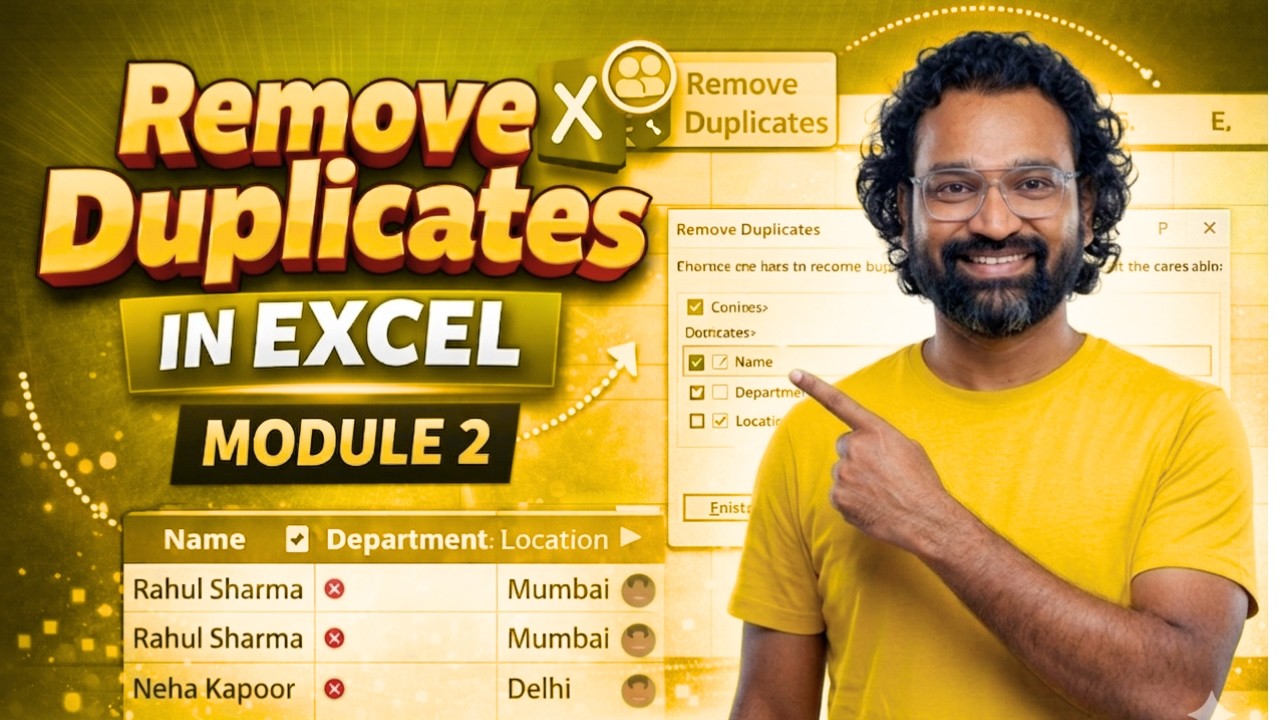
How to Remove Duplicates in Excel
- Select your dataset
- Go to Data → Remove Duplicates
- Choose relevant columns
- Click OK to clean your data
Fix Case Issues with PROPER Function
Inconsistent capitalization affects grouping and analysis. Use:
=PROPER(A1)
Remove Hidden Spaces with TRIM
Extra spaces can break formulas and lookups:
=TRIM(A1)
Remove Non-Printable Characters with CLEAN
Imported data often contains hidden characters:
=CLEAN(A1)
Excel for Data Analysts: Everything You Need to Know (Handbook)
This guide is part of a complete Excel learning path designed for analysts. Mastering data cleaning is the foundation of accurate reporting and high-impact dashboards.
Join Our Community
Want to master Excel and data analytics faster? Join our community and stay ahead.
All Rights Are Reserved by Discover Talent™